
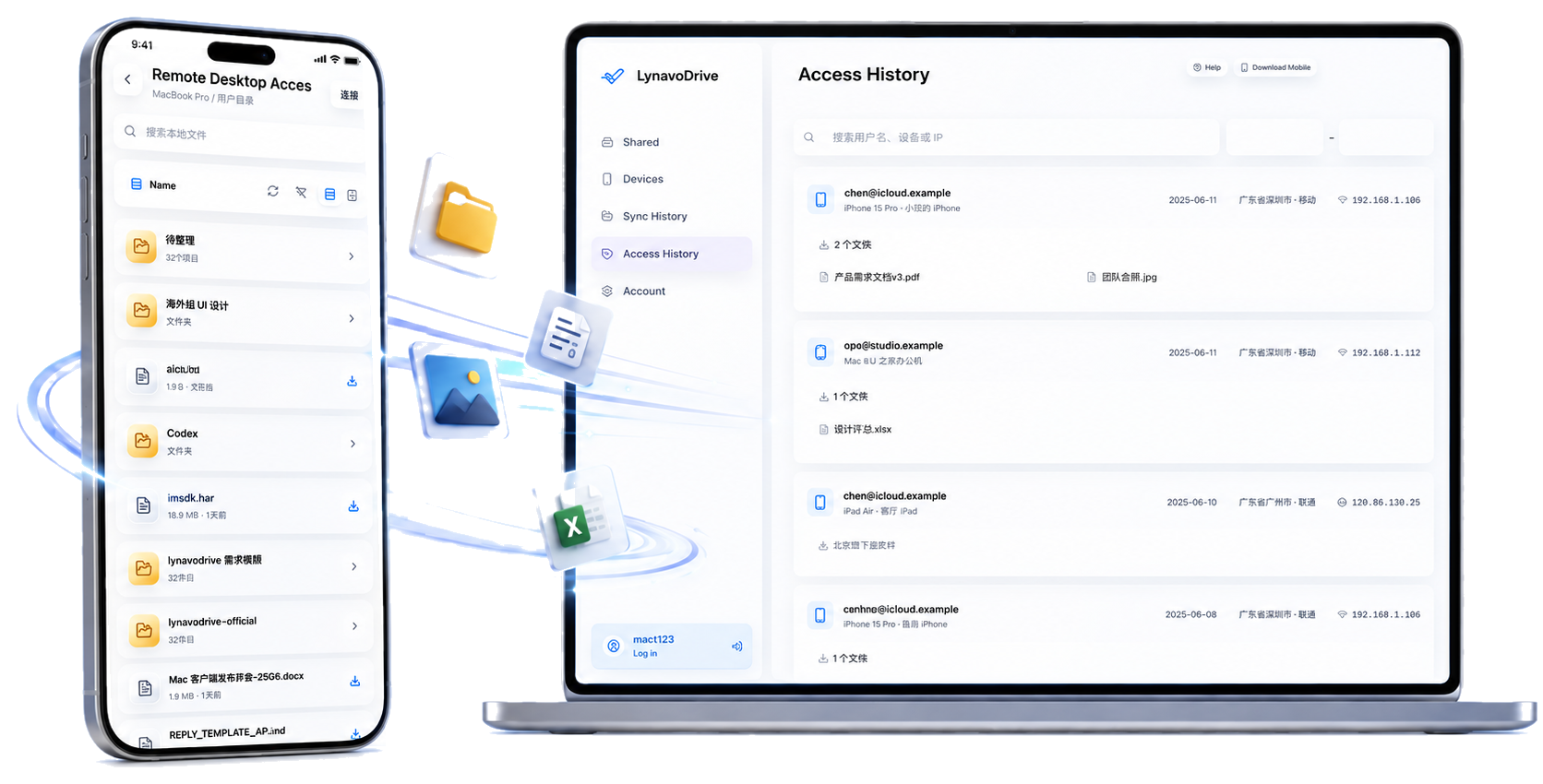
This is the official LynavoDrive website operated by Lynavo. Use it as the starting point for current product information, signed installers, mobile app links, support pages, and the public open-source repository.
Find the official LynavoDrive downloads
The official download page lists the current signed desktop installers for Windows x64, macOS Apple Silicon, and macOS Intel. It also links to the official Android and iOS listings. Check the download page before installing an old package copied to a third-party site.
LynavoDrive is available for Windows, macOS, iOS, and Android. The desktop application is the destination for phone photos and videos. The mobile application can back up media and browse computer files when the computer is online and the selected product capability is available.
Confirm the official product identity
The product name is LynavoDrive, also written as Lynavo Drive. LynavoDrive is made by Lynavo, an open-source organization. The Lynavo home page describes the organization and links back to this product site. The LynavoDrive GitHub repository is the public source-code home.
When checking a link, confirm the domain and the destination:
- Product website:
drive.lynavo.io - Organization website:
www.lynavo.io - Source code:
github.com/Lynavo/lynavo-drive - Android listing: Google Play
- iOS listing: Apple App Store
These links cover different surfaces. A source build from GitHub is not the same artifact as an official signed installer, and a store listing is not a replacement for the product documentation.
Understand the local-first workflow
LynavoDrive can automatically back up phone photos and videos to a computer you control. It can also let a phone browse computer files while the computer is online. The local core includes device discovery, pairing, device management, sync history, and access history.
The open-source page explains what is included in the public repository. The open-source edition is intended for inspection and self-building. It does not include official account services, commercial billing, or official cross-network remote-access infrastructure. The official build and its plan pages describe capabilities that are outside that repository boundary.
Start with one safe test
For a first run, install the desktop app, choose a receive folder, pair one phone, enable Automatic Backup, and verify one non-sensitive photo. Read the first automatic backup guide for checkpoint-based troubleshooting. Keep another copy of important photos; one computer is not a complete backup strategy.
This page is a navigation guide, not a promise that every network, device, or plan has identical behavior. Check the current Help Center, Privacy Policy, and Terms of Service for operational and service details.