
Cloud photo libraries are convenient because they hide the storage layer. That same convenience can make it difficult to answer basic questions: Where is the original file? What happens when the subscription changes? Can another tool read the archive without exporting everything first?
A local-first photo system begins with a simpler promise: the primary copy is stored in a normal folder on a computer you control.
Local-first does not mean isolated
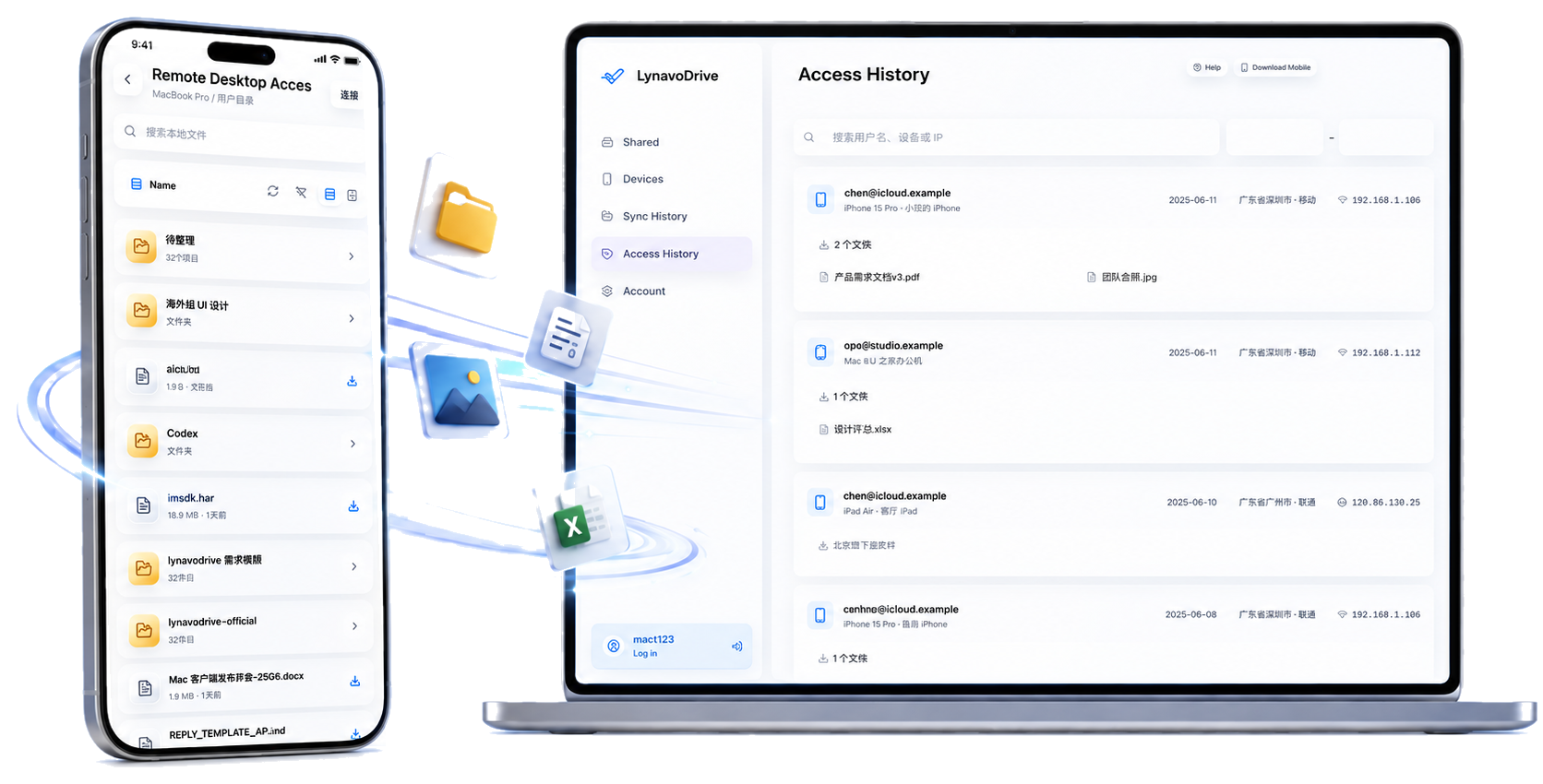
Keeping photos on your own computer should not force you to give up mobile access. A useful private-storage workflow combines three things:
- Original files in a folder you can inspect and back up again.
- Automatic transfer from the phone, without plugging in a cable every day.
- Controlled phone access while the computer is online.
This is different from buying cloud capacity. Your computer provides the storage, and the software provides the connection and transfer workflow.
How it compares with a NAS
A NAS can be an excellent long-term storage system, especially when you need multiple disks, redundancy, and services for several people. It also introduces another device to buy, configure, update, and secure.
Using an existing computer is a smaller first step. It works well when you want a visible photo destination now and can add a second backup later. LynavoDrive does not replace a proper disaster-recovery plan; important folders should still have another copy on a separate disk or backup destination.
Choose the boundary you understand
The best system is not the one with the longest feature list. It is the one whose failure modes you understand. If the computer is offline, remote browsing is unavailable. If the folder has only one copy, a disk failure still matters. Clear boundaries make it possible to improve the system instead of assuming that “cloud” automatically means safe.
Start with a local photo backup, then add a second copy when the folder becomes important.