
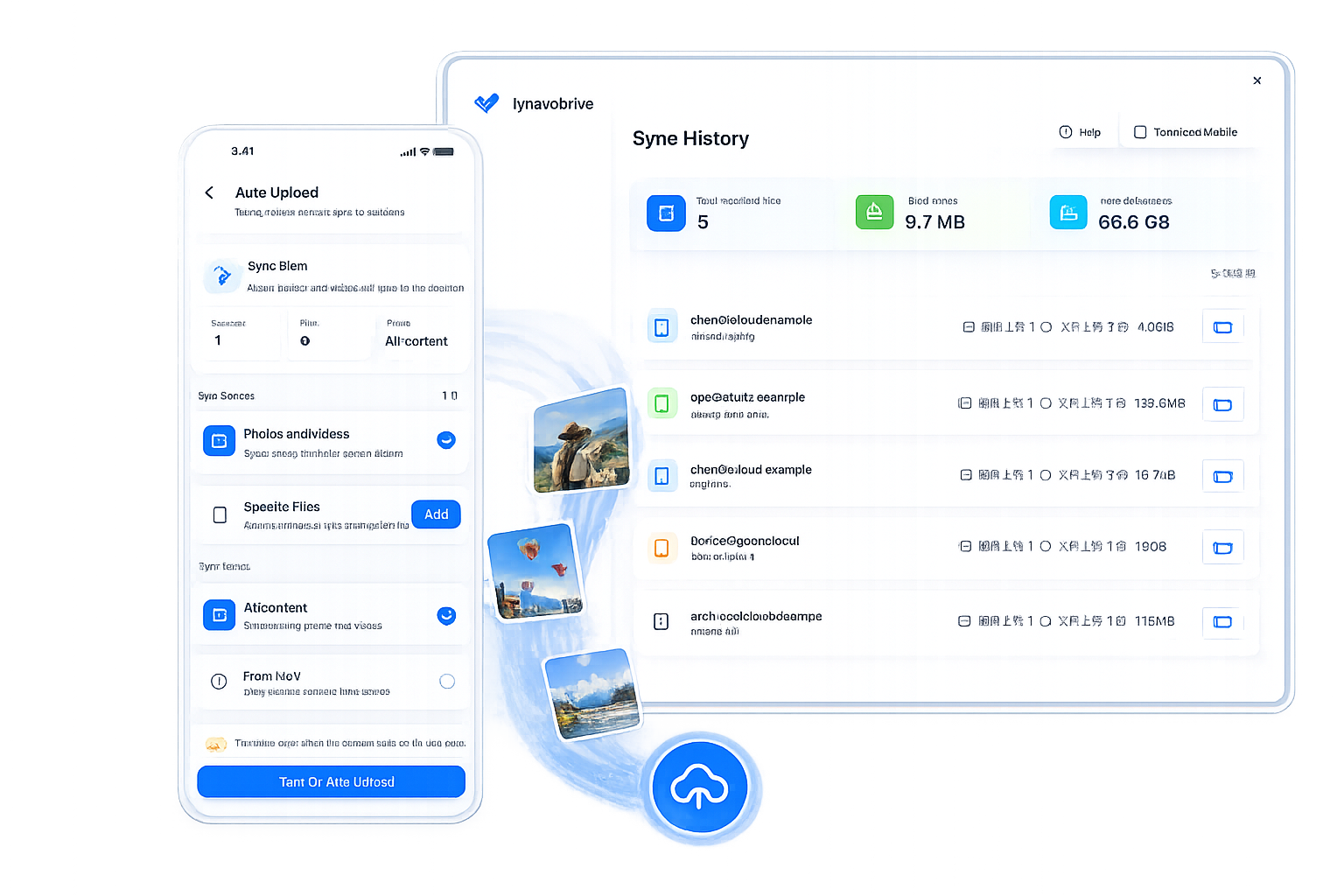
Your camera roll should not become a monthly storage surprise. A local-first backup keeps the destination visible: your photos land in a folder on a computer you already own, and you can check the transfer history when you need confidence.
What a good backup flow should do
- Start automatically after you choose a trusted computer.
- Keep the original files instead of compressing them into an opaque cloud library.
- Show which files arrived, so a backup is something you can verify.
- Let you browse those files from your phone when the computer is online.
LynavoDrive is designed around those simple boundaries. The desktop app receives the media, while the phone app gives you a clear view of the destination and the recent sync record.
Start with one folder
Choose a receive folder that is easy to back up again, such as a folder inside your normal photo archive. Then open the download page and install the desktop and mobile apps. Pair the phone with the connection code shown on the computer before the first transfer.
The result is a private photo workflow with fewer hidden assumptions: your computer stays yours, and the transfer history tells you what happened.
Keep the boundary visible
Remote file access still depends on your computer being online. Auto Upload is best used on networks and devices you trust. Those constraints are not friction to hide; they are part of understanding where your data is going.